
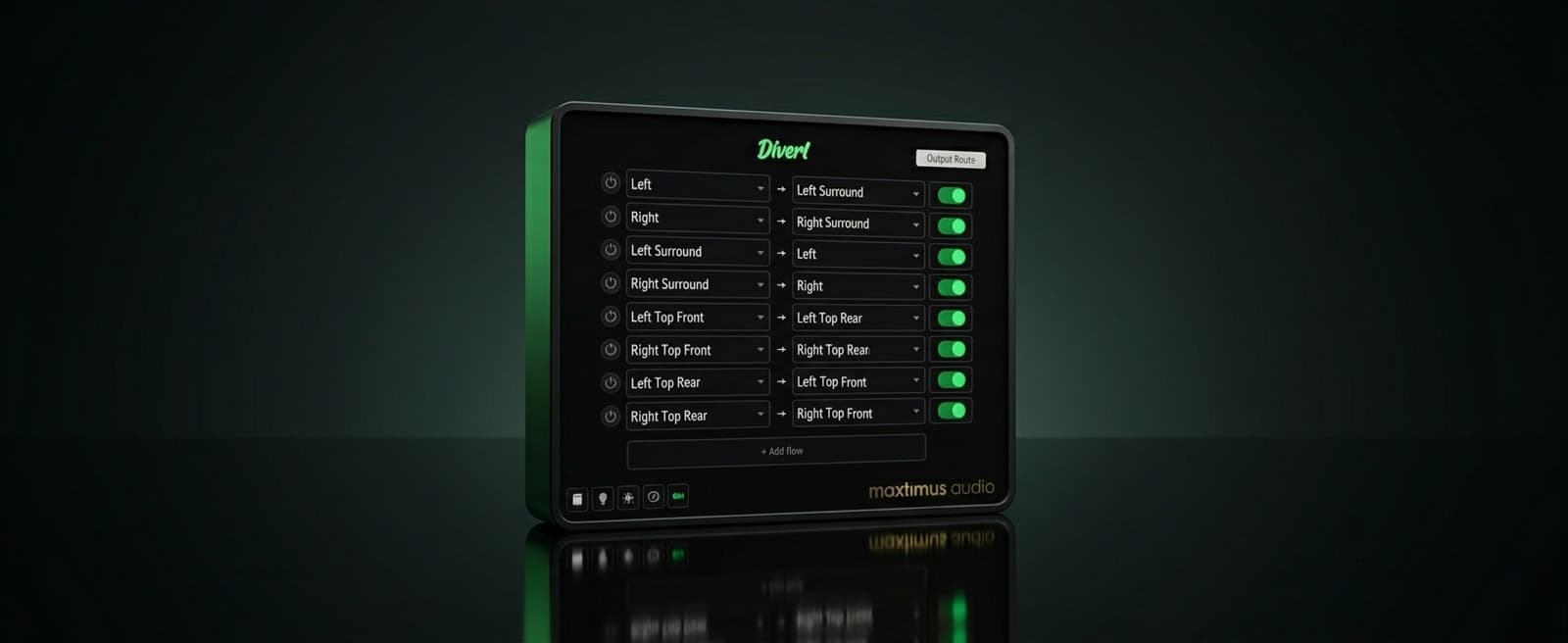
D1vertSimple re-routing plugin for surround channels. FREE!
Features
- Surround channel re-router
- DAW-aware channel ordering
- Up to 16 channels
- Clean swaps
- Pass-through by default
- Collision-proof
- Per-row power switches
- One-click A/B
- No processing artifacts
- Light & dark modes
D1vert moves surround channels and nothing else.
Multichannel routing for surround-capable DAWs is a minefield. There's no consistency between one DAW and the next when it comes to channel ordering and we've noticed that even some very well-known, established companies still don't get this fully right across every DAW. So you can end up with an expensive plugin that sends speaker-channel audio to the wrong destination, and that's not the simplest thing to fix on the fly. So we built D1vert: an extremely simple plugin that re-routes surround channel audio, exactly where you want it.
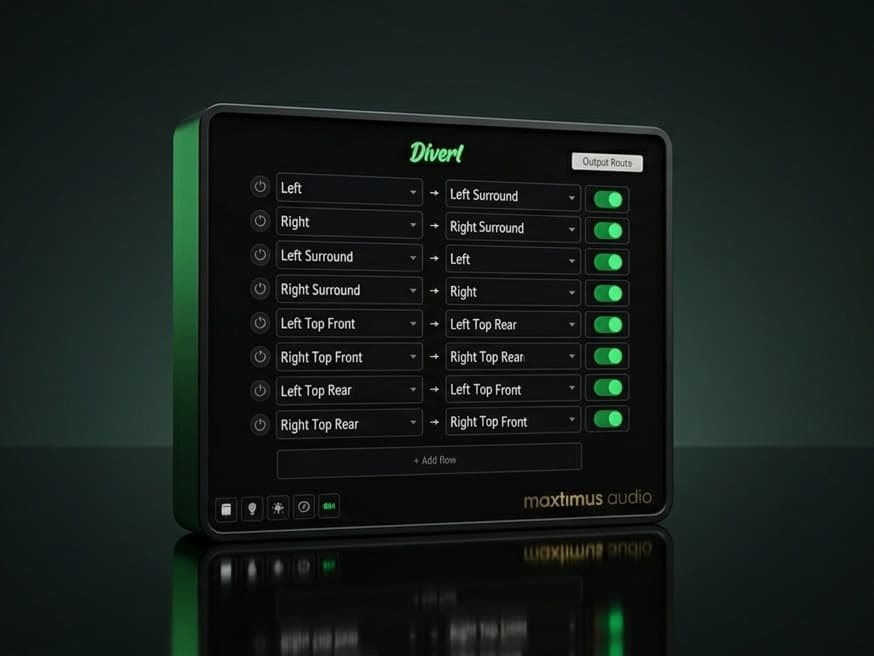
Take any speaker coming into the plugin and send it to any other speaker on the way out — one simple rule per row, as many rows as you need. Fix a miswired surround stem, swap a pair of speakers, fold height channels down to ear level, send the fronts round to the surrounds, or build any custom re-patch you can describe.
It works on every common surround and immersive layout from 4.0 up to Atmos 9.1.6 (16 channels). D1vert reads whatever layout the host hands it and offers only the channels actually present, so the routing you build always matches the track you're on.
There's no metering, mixing, or level processing. D1vert takes one clean snapshot of the incoming audio and fills each output from it — so swaps trade places perfectly, unrouted channels pass straight through untouched, and the audio that arrives is the audio that leaves. The interface is just the routing table: pick a source, pick a destination, switch the row on. Each speaker can only be used once per column, so the menus only ever let you build a valid re-patch — no collisions to untangle, no surprises.
D1vert is a spatial routing plugin that auto-detects the correct speaker routing for Pro Tools, Reaper, Logic Pro, and Nuendo/Cubase, so all you have to do is place it on the surround track where you need to re-route, select the source and destination, and switch it on.
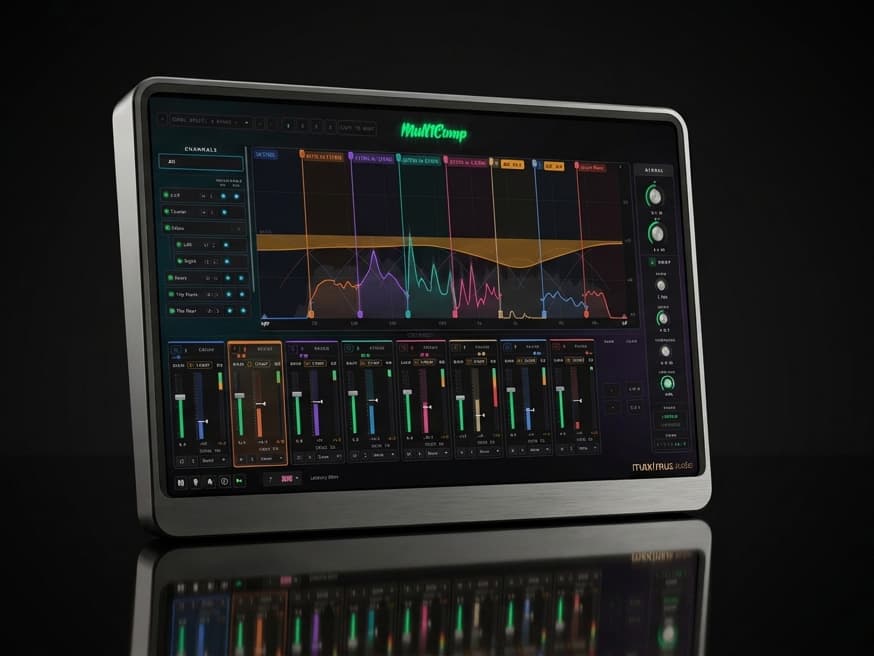
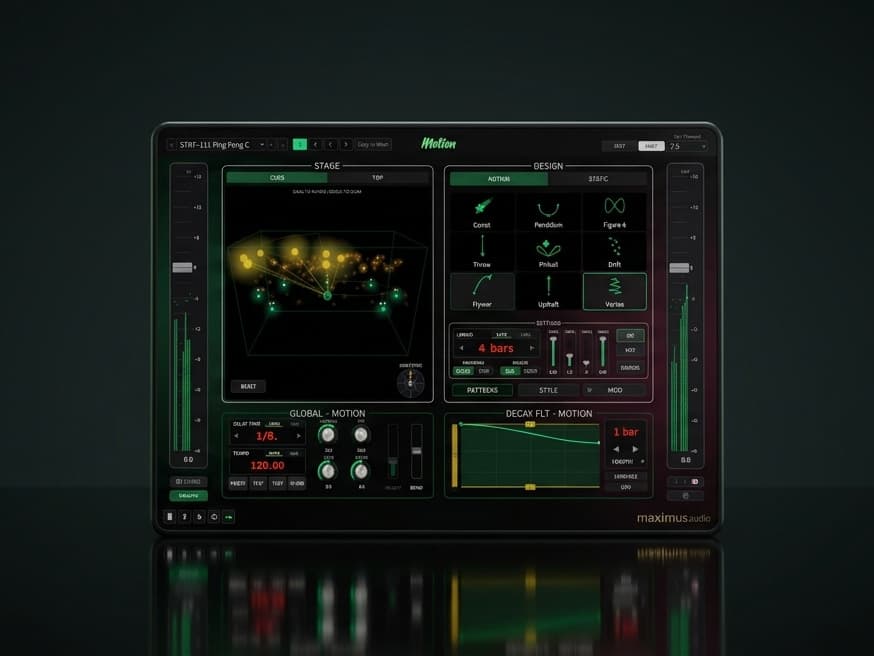
Explore other plugins
From the rest of the max1mus audio range.
Plugin Formats
DAW Compatibility
System Requirements
A surround-capable DAW macOS macOS 14 (Sonoma) or newer · Universal Binary Runs natively on both Apple Silicon and Intel Macs, also loads in Rosetta-mode hosts· AU, VST3, or AAX host · Windows Windows 10/11 (64-bit) · VST3 or AAX host · Intel/AMD CPU (SSE2)
Screenshots
What Users Are Saying
“really great plugin that helps to divert immersive channels to the channels you want and need. It's great and I use it on the mix of short films which I mix in 5.1 and 7.1 and all in Atmos too, and I use Logic Pro. Fab !”
Sam Downie | BAFTA Nominated Film Director & Immersive Mix Engineer
Check out Sam's Website!